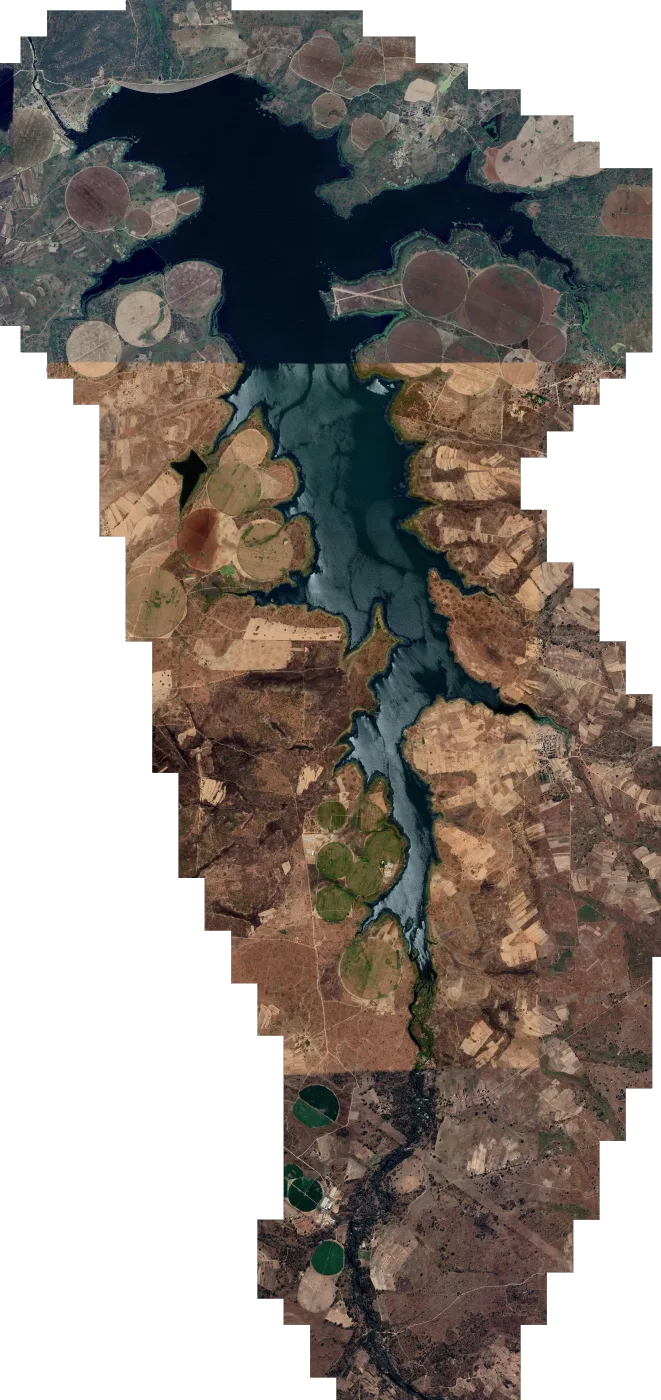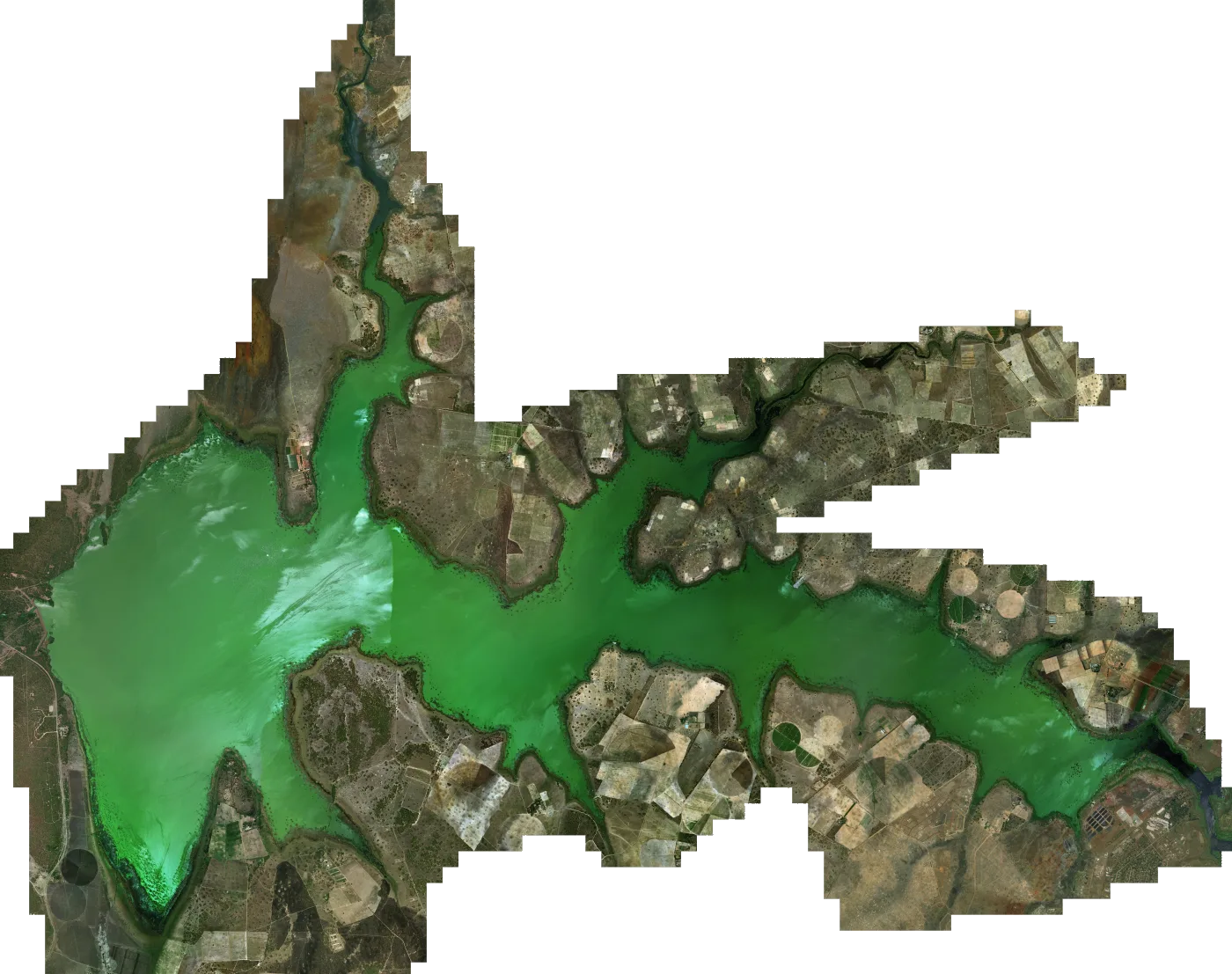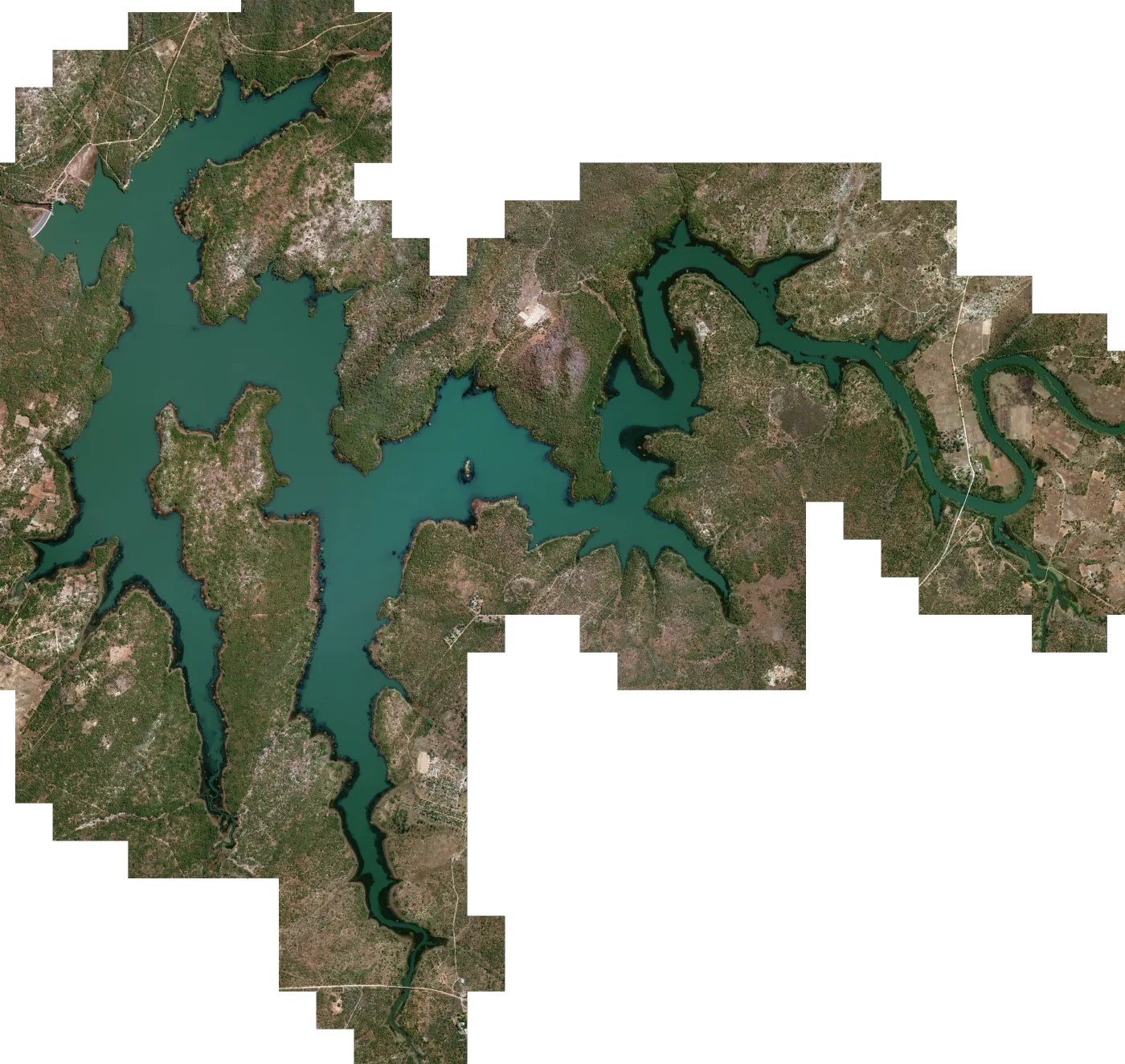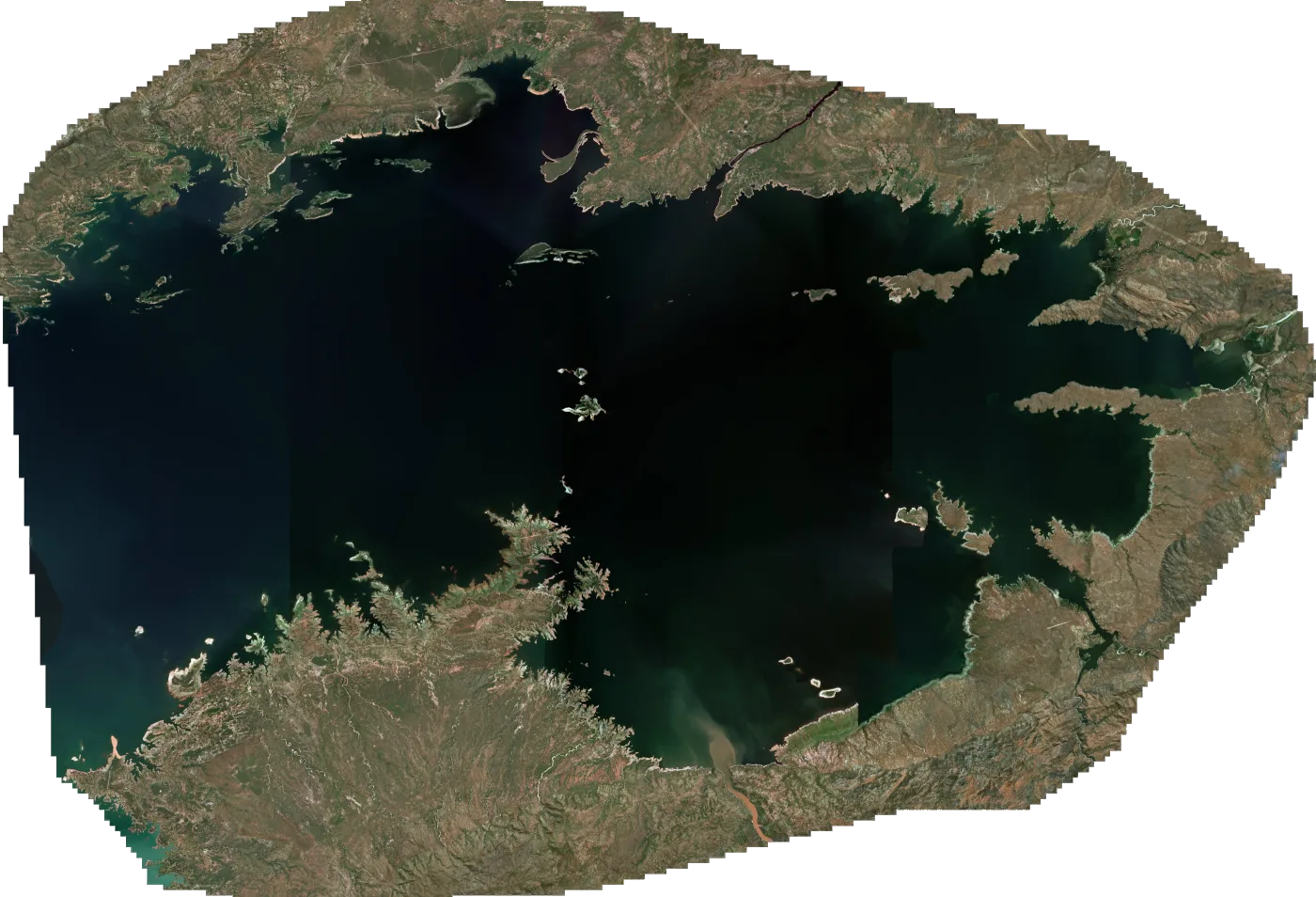

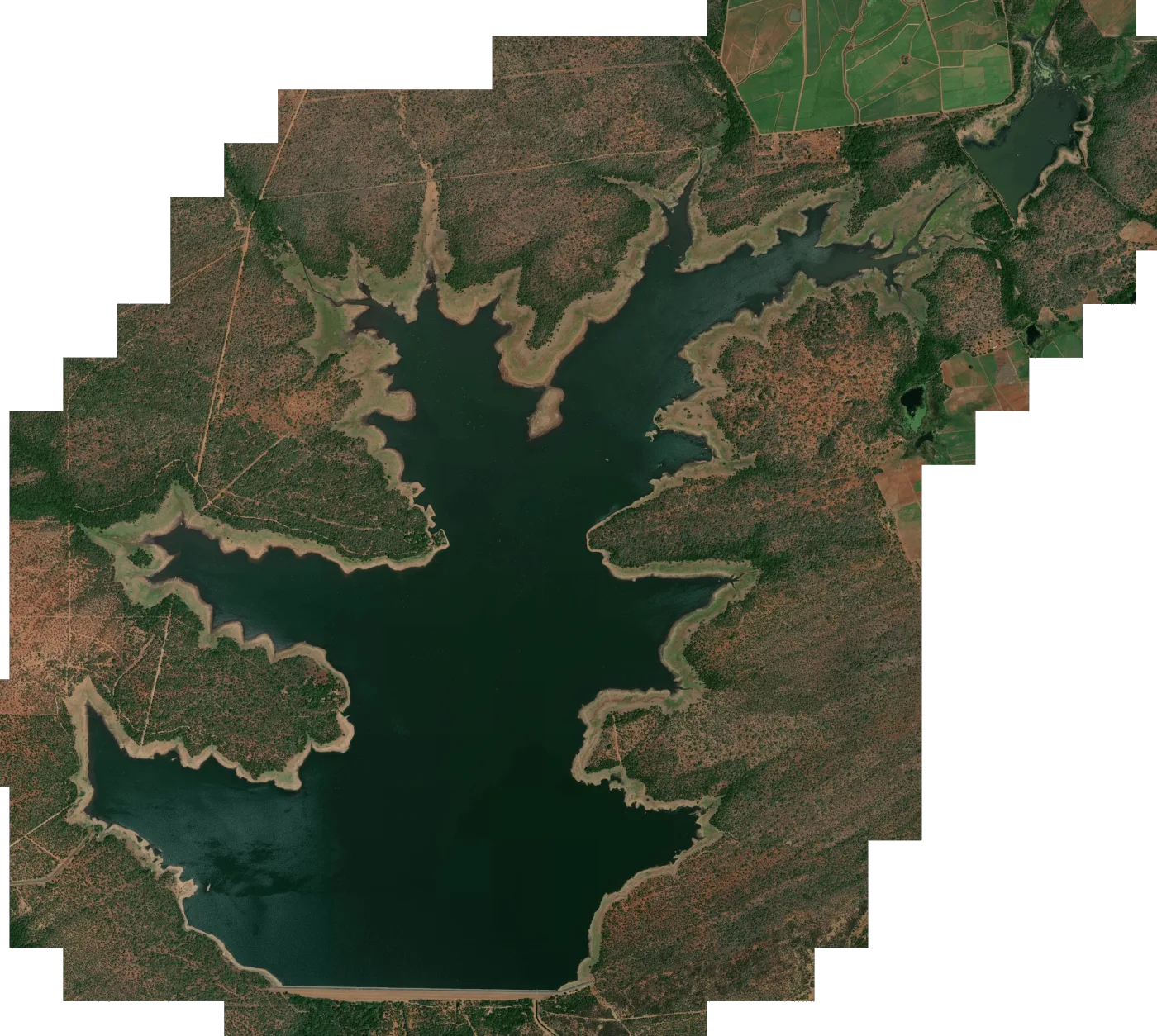
 Satellite map
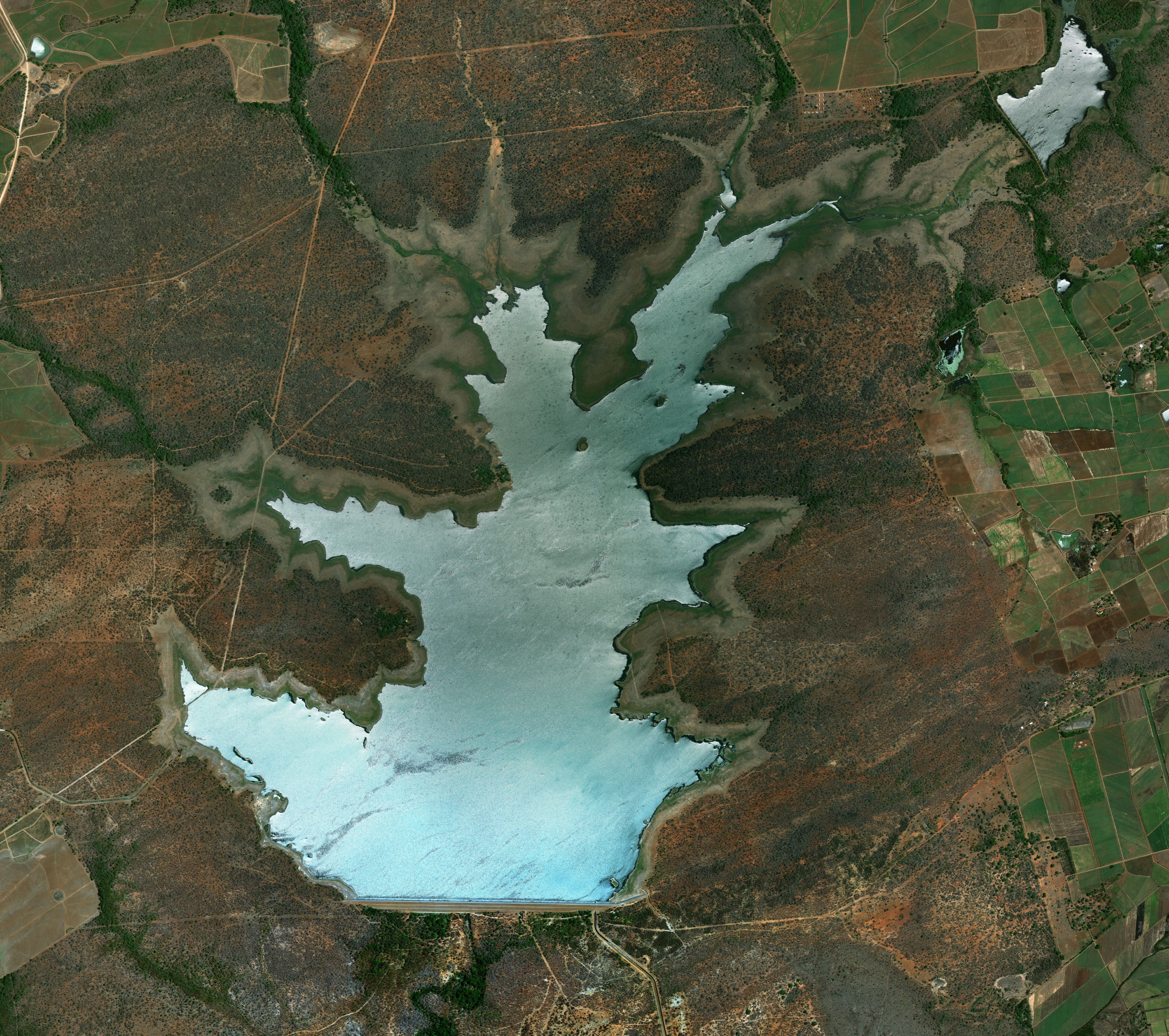
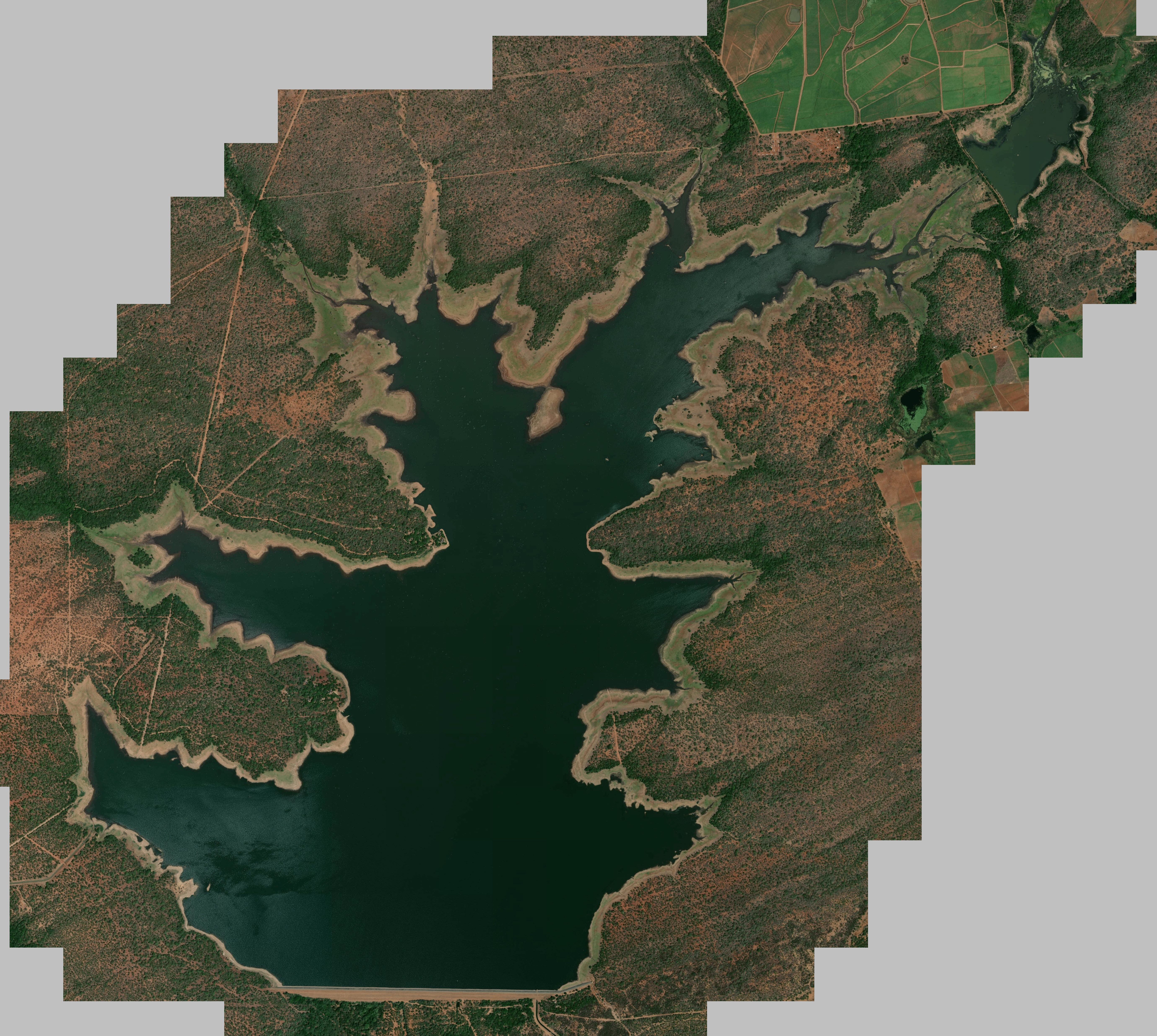
Lake Mteri satellite map for Lowrance fish finders
Satellite imagery of Lake Mteri, set up as a chart overlay for your Lowrance. For serious sunsets and even more serious fishing, make your way to the breathtakingly beautiful Lake Mteri, situated in the heart of the Hippo Valley Sugar Est...
Download
Emailed once PayFast confirms your payment. The link works for 30 days, with 5 downloads per file.
SD card In your basket you can add one 32GB SD card for R350. It carries every map in the order and is posted PostNet-to-PostNet, postage included.
- You pay on PayFast's secure page
- Compatible with Lowrance HDS Live, Carbon, Gen 3, Gen 2 & Elite Ti / Ti2 / FS units.
About the Lake Mteri satellite map
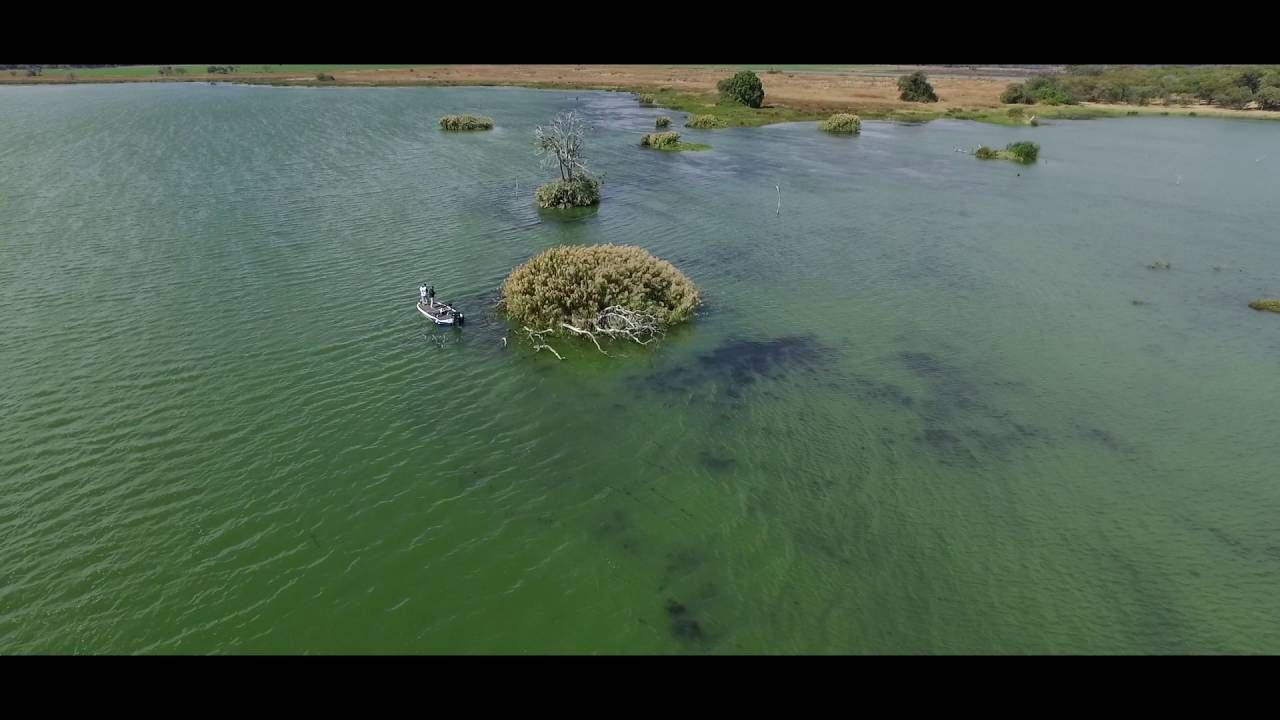
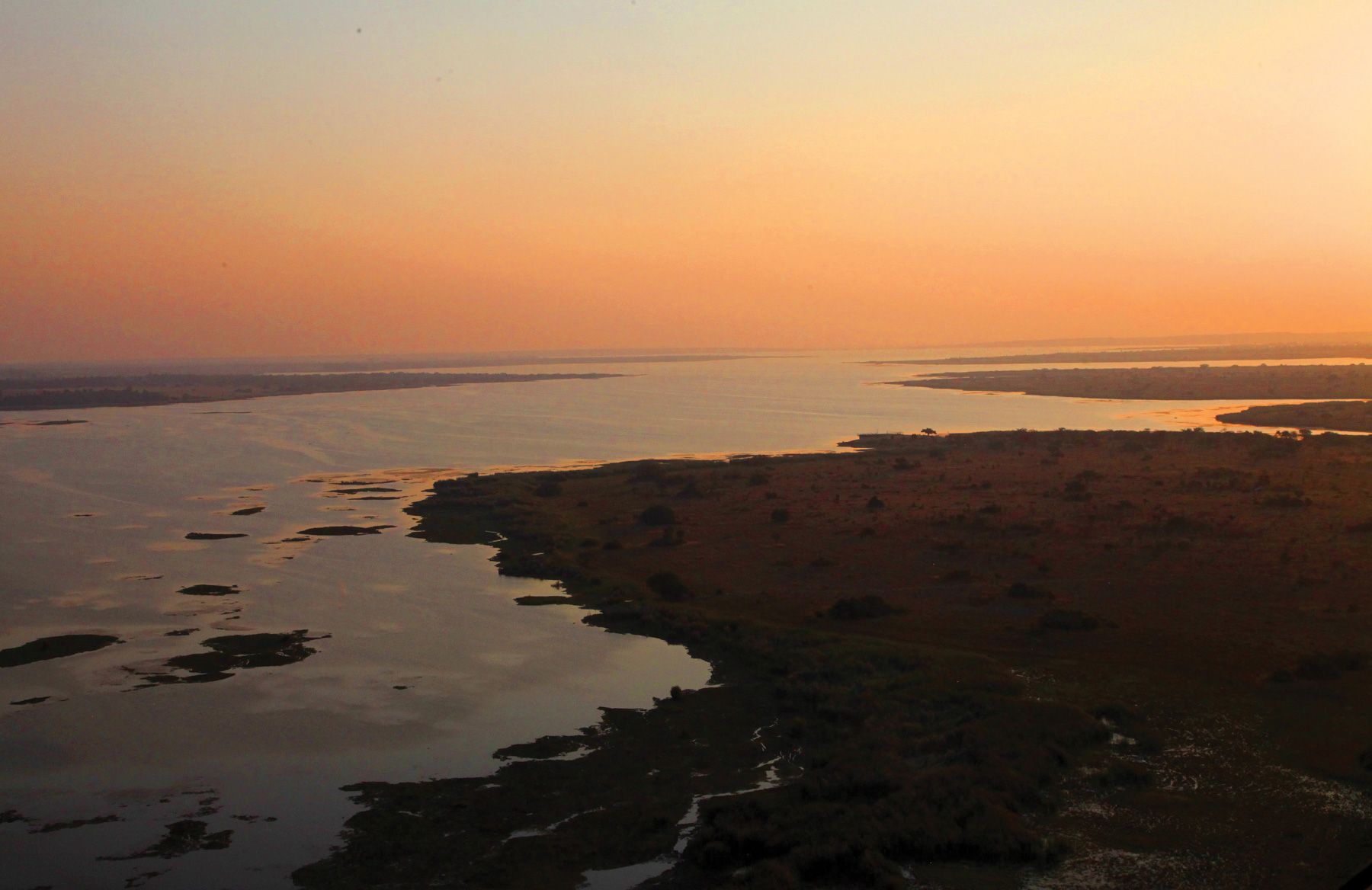
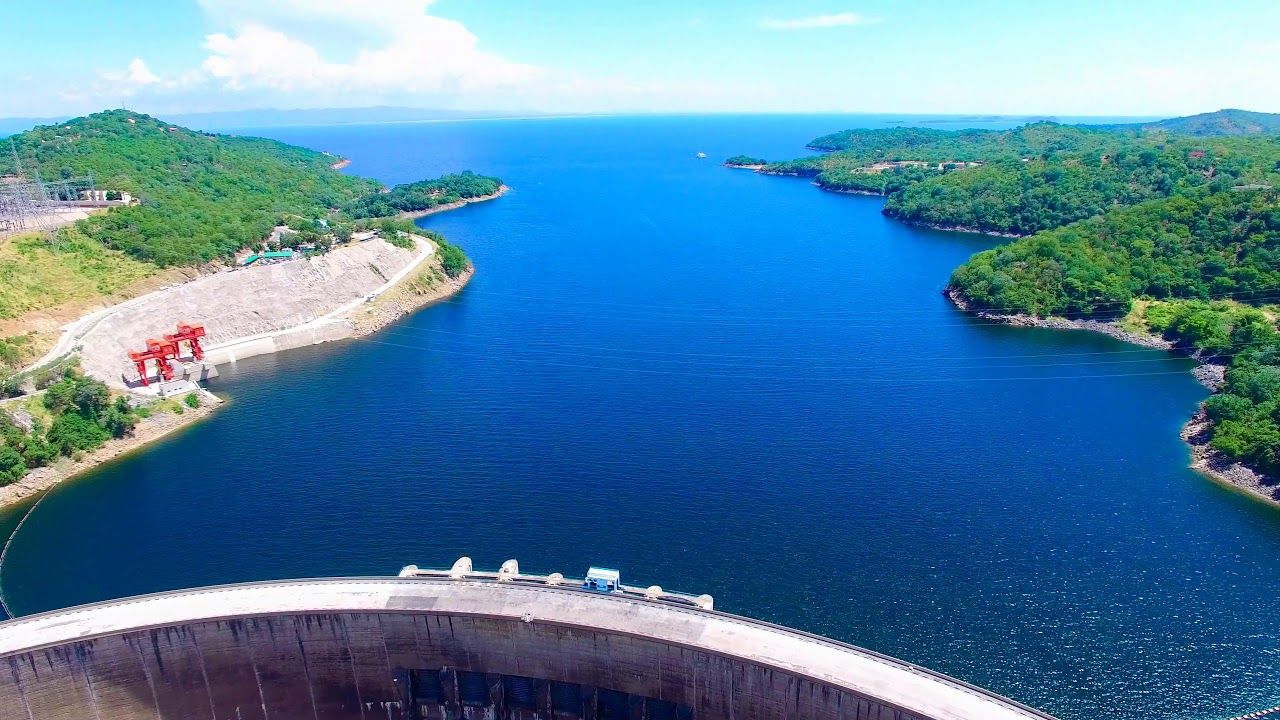
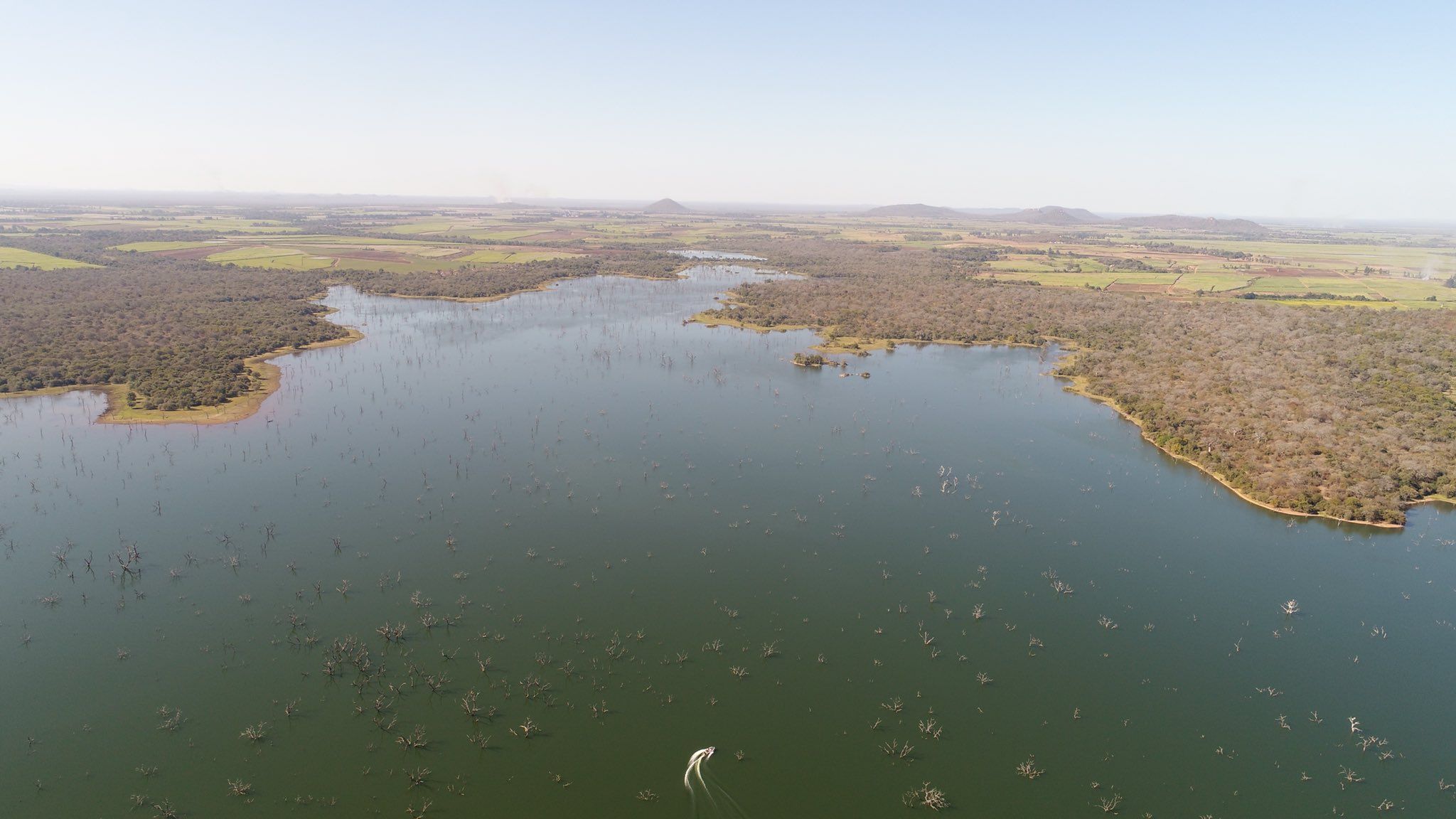
For serious sunsets and even more serious fishing, make your way to the breathtakingly beautiful Lake Mteri, situated in the heart of the Hippo Valley Sugar Estate in south-eastern Zimbabwe. The sweeping views and natural beauty of the Zimbabwean landscape play stage to spectacular bass, bream, and barbel fishing with a record catch of 6.5kgs and average hookups of 2.5–3kgs. The lake is roughly 975 hectares with an abundance of lay down and stand up timber, as well as thickets of reeds, grass beds and beds of lily pads making it ideal for top water, spinner baits, soft plastic lures, and heavy braids.
What you get
- Lake Mteri.zip 308.8 MB
- Mteri v2.zip 44.2 MB
- Install steps in the email with your download link
- Help by email or WhatsApp if the map won't load
Getting the Lake Mteri map onto your Lowrance
- 1 Download Open the download link in your email and save the map file to your computer.
- 2 Copy to the card Copy the map file onto a microSD card. If the download is a zip file, extract it onto the card instead.
- 3 Insert Put the microSD card into your Lowrance with the unit switched off, then switch it on.
- 4 Choose the map Choose the Mapster map from the chart menu. Menu names vary between models.
If you ordered the SD card, start at step 3. There's more detail in the FAQ.