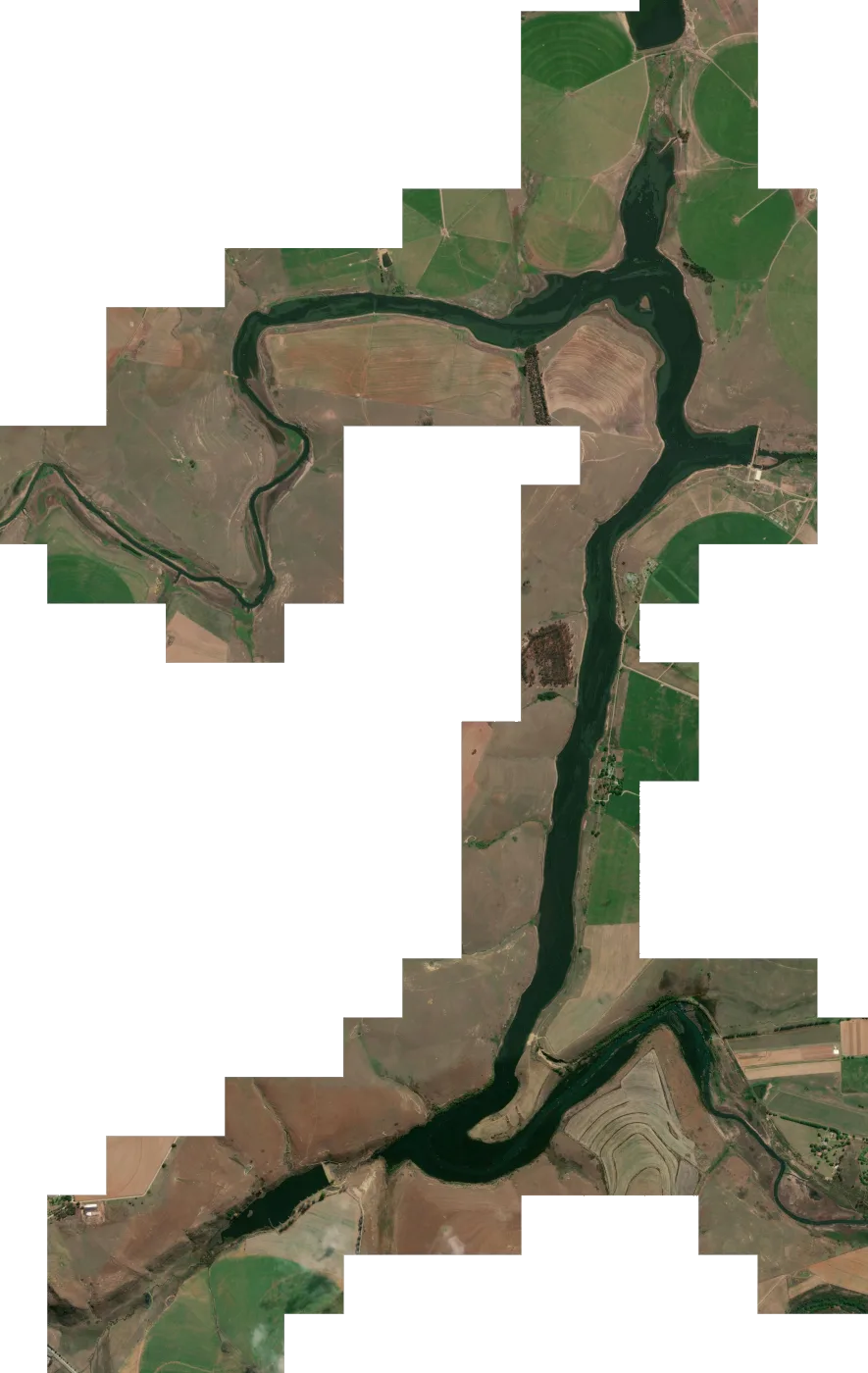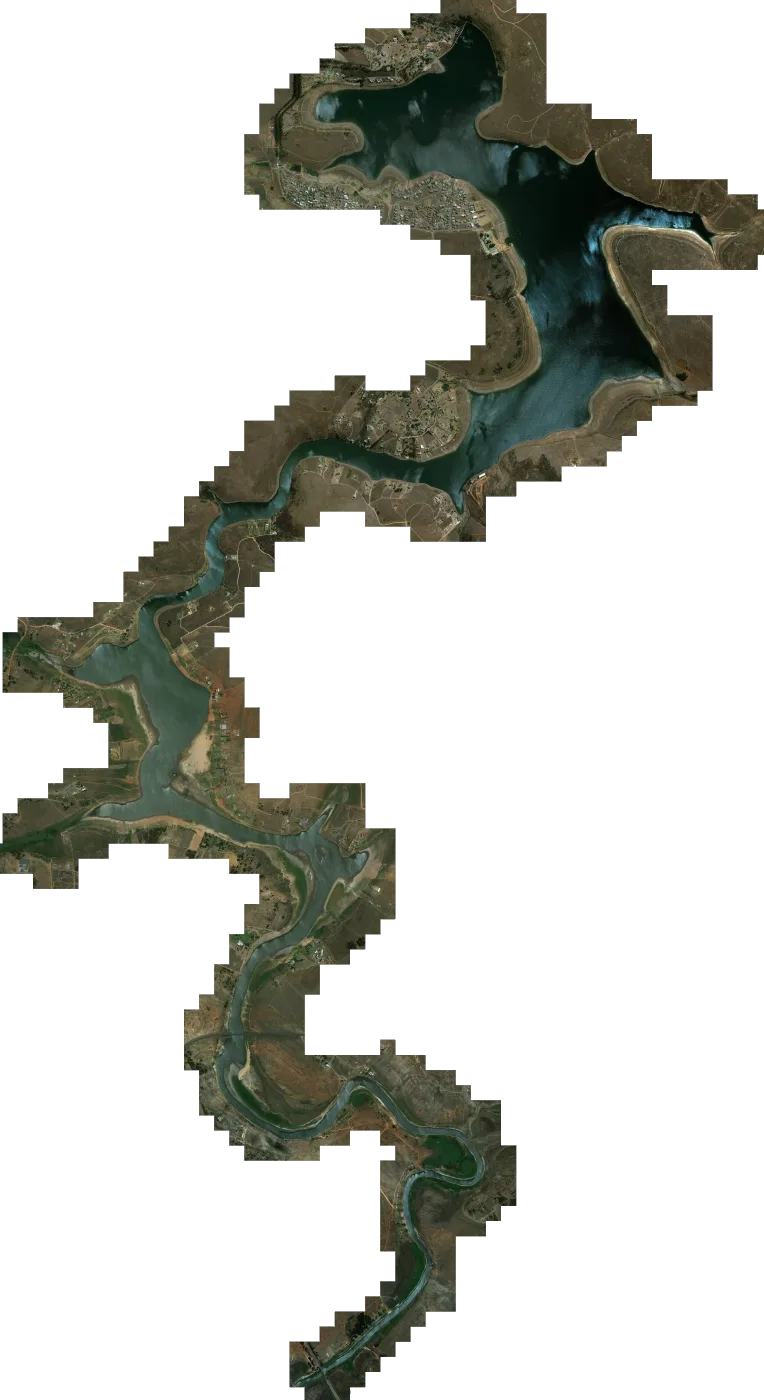

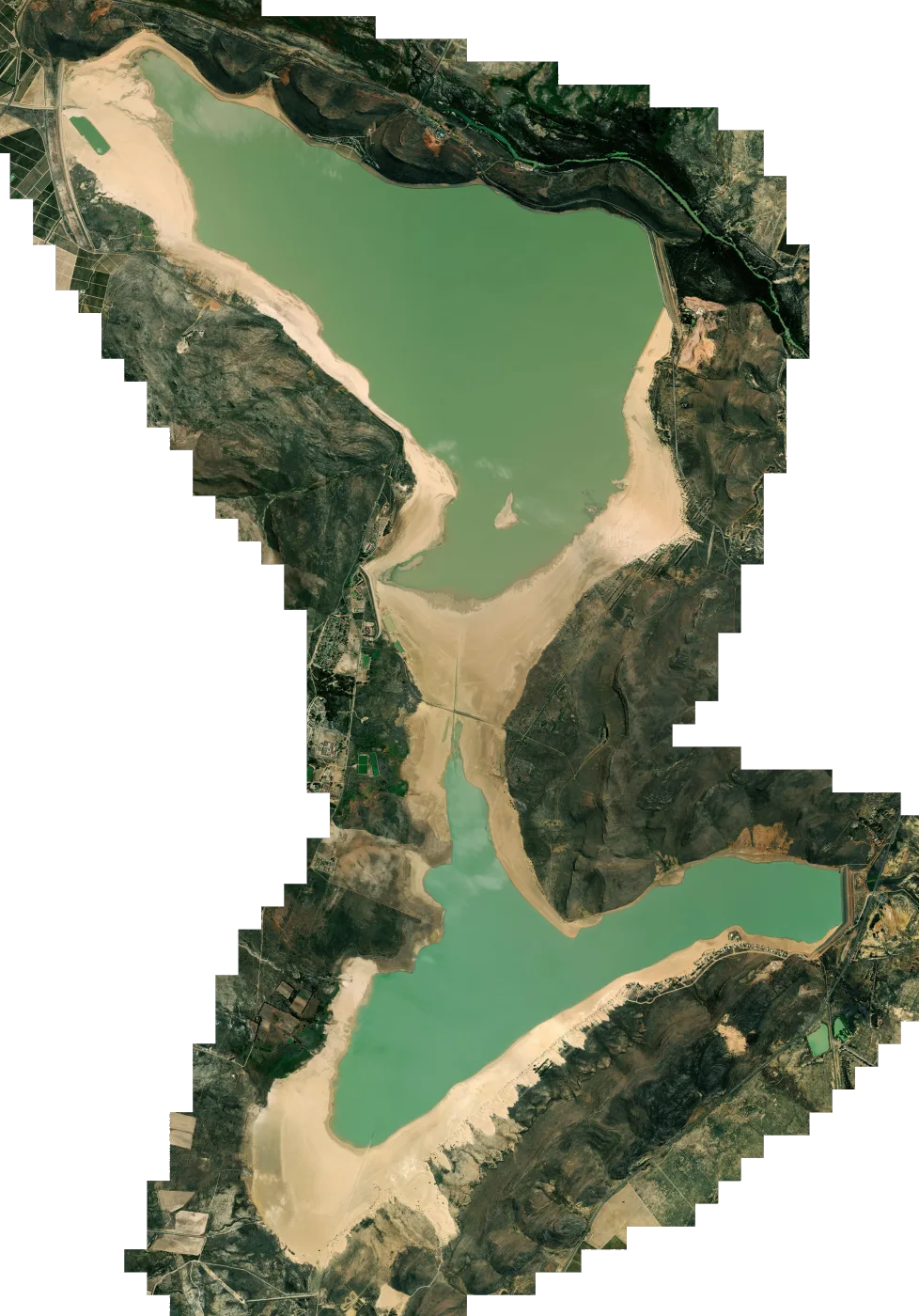
 Satellite map
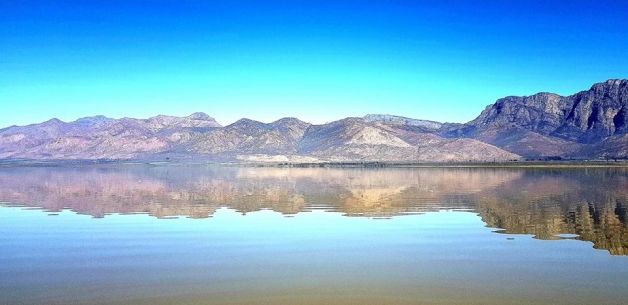
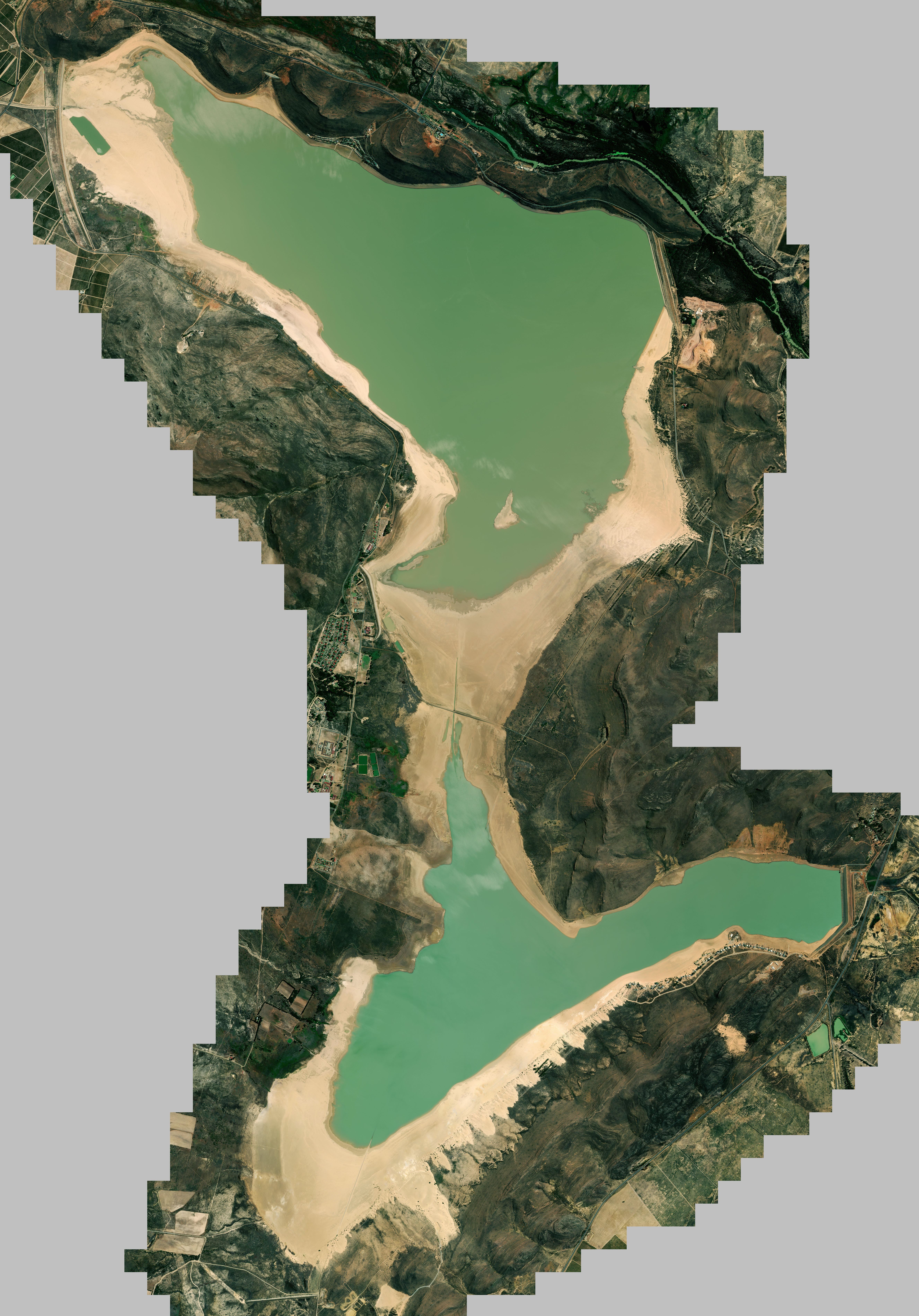
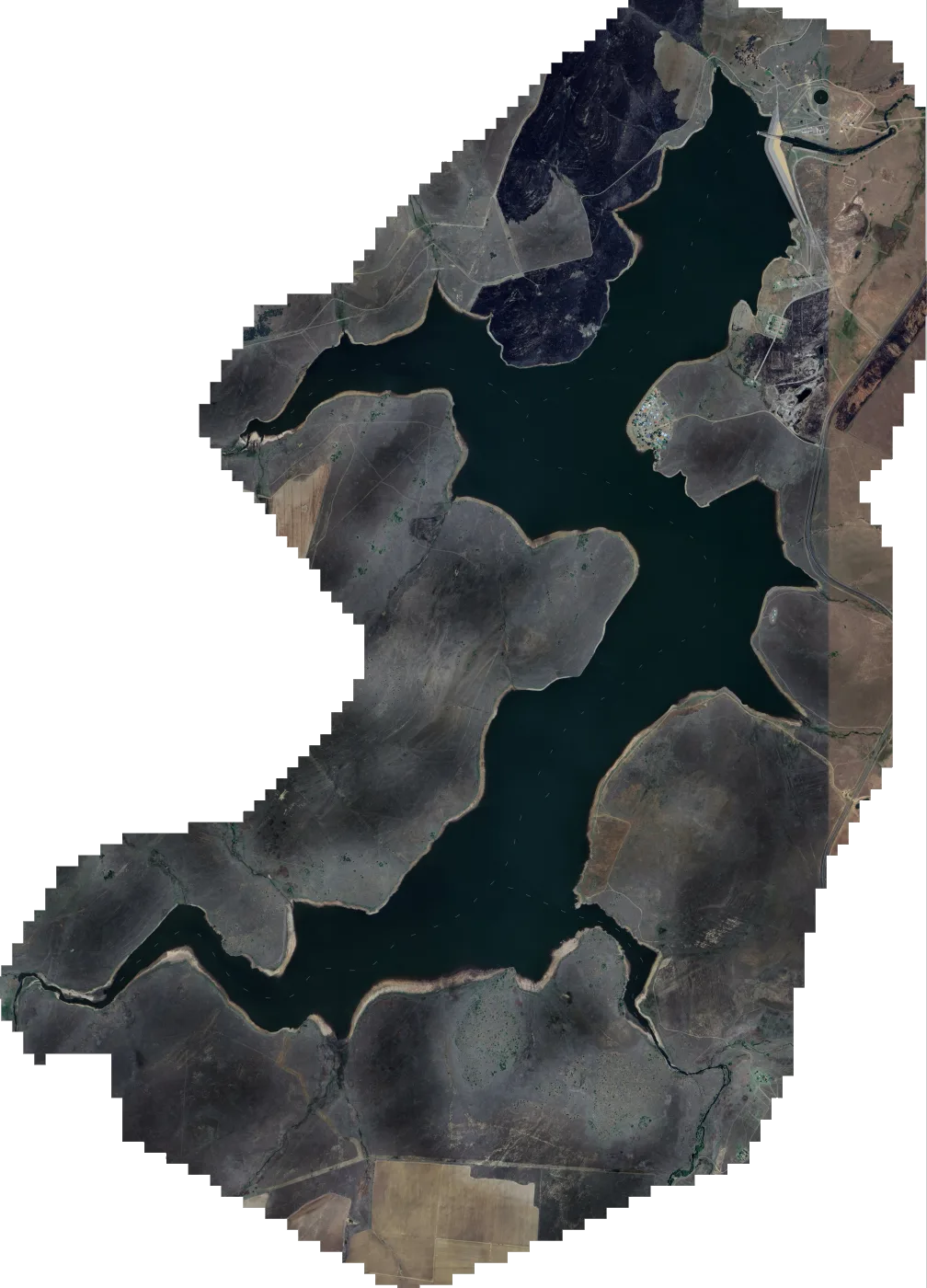
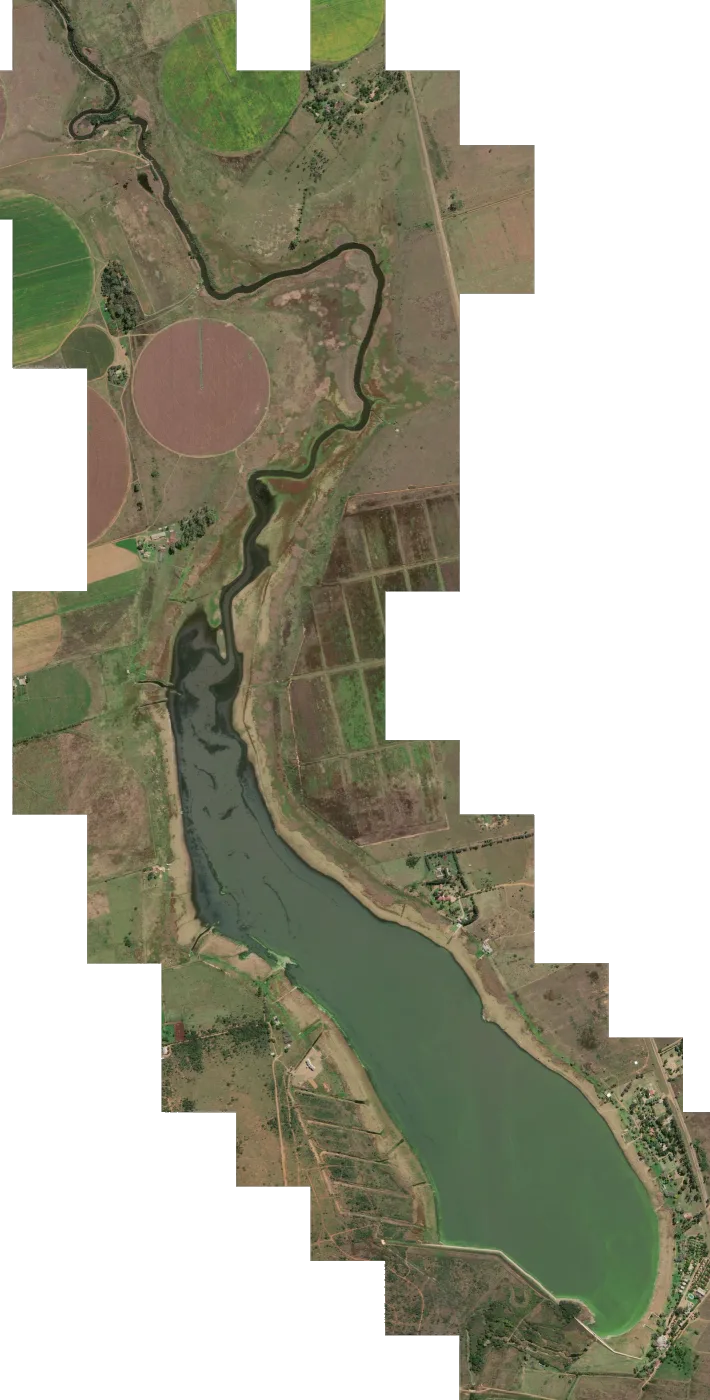
Kwaggaskloof Dam satellite map for Lowrance fish finders
Satellite imagery of Kwaggaskloof Dam, set up as a chart overlay for your Lowrance. Theewaterskloof Dam, located on the Sonderend River near Villiersdorp, South Africa, stands as a testament to human ingenuity and the power of water. Constructi...
Download
Emailed once PayFast confirms your payment. The link works for 30 days, with 5 downloads per file.
SD card In your basket you can add one 32GB SD card for R350. It carries every map in the order and is posted PostNet-to-PostNet, postage included.
- You pay on PayFast's secure page
- Compatible with Lowrance HDS Live, Carbon, Gen 3, Gen 2 & Elite Ti / Ti2 / FS units.
About the Kwaggaskloof Dam satellite map
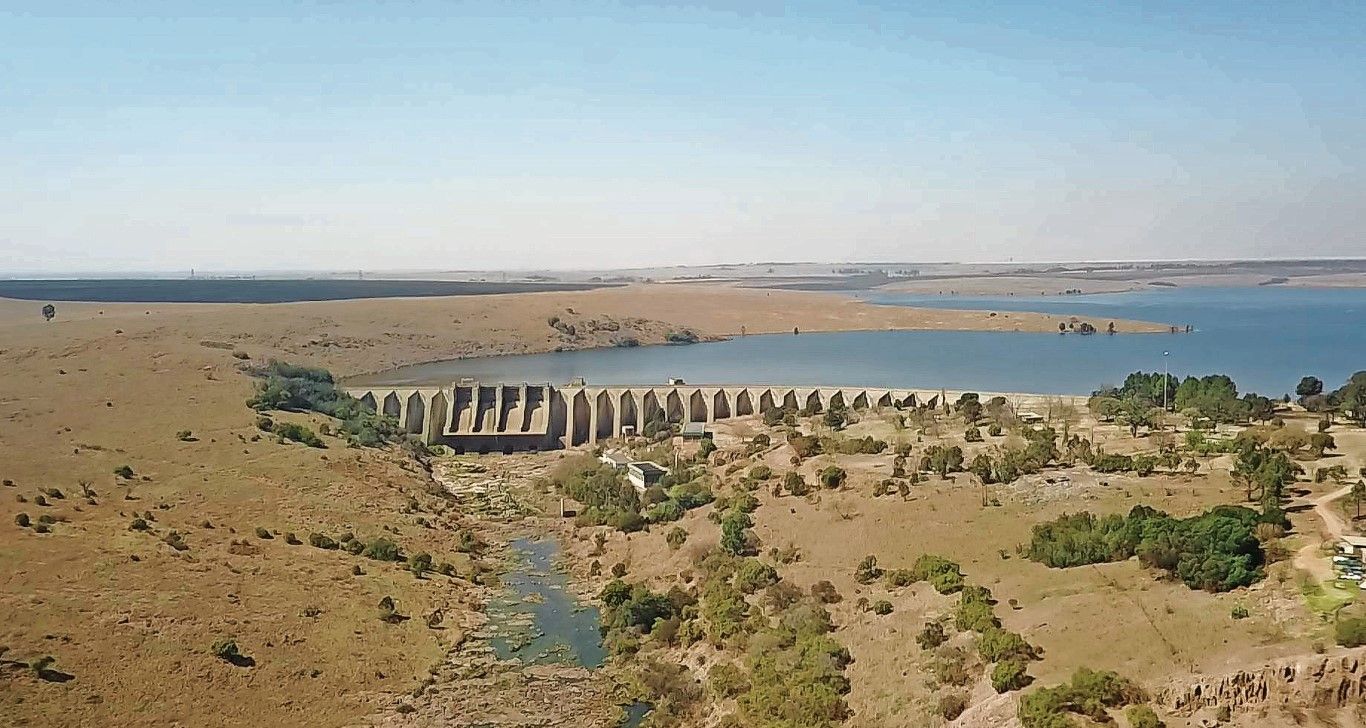
Theewaterskloof Dam, located on the Sonderend River near Villiersdorp, South Africa, stands as a testament to human ingenuity and the power of water. Construction commenced in 1978 and was completed in 1988, culminating in the creation of an earth-fill type dam with a remarkable storage capacity of 480 million cubic meters.
The dam's primary purpose is to provide water for municipal and industrial use, as well as for irrigation purposes. It serves as a vital source of water for Cape Town, supplying approximately 41% of the city's water needs. Theewaterskloof Dam plays a crucial role in supporting the region's economy and ensuring the well-being of its inhabitants.
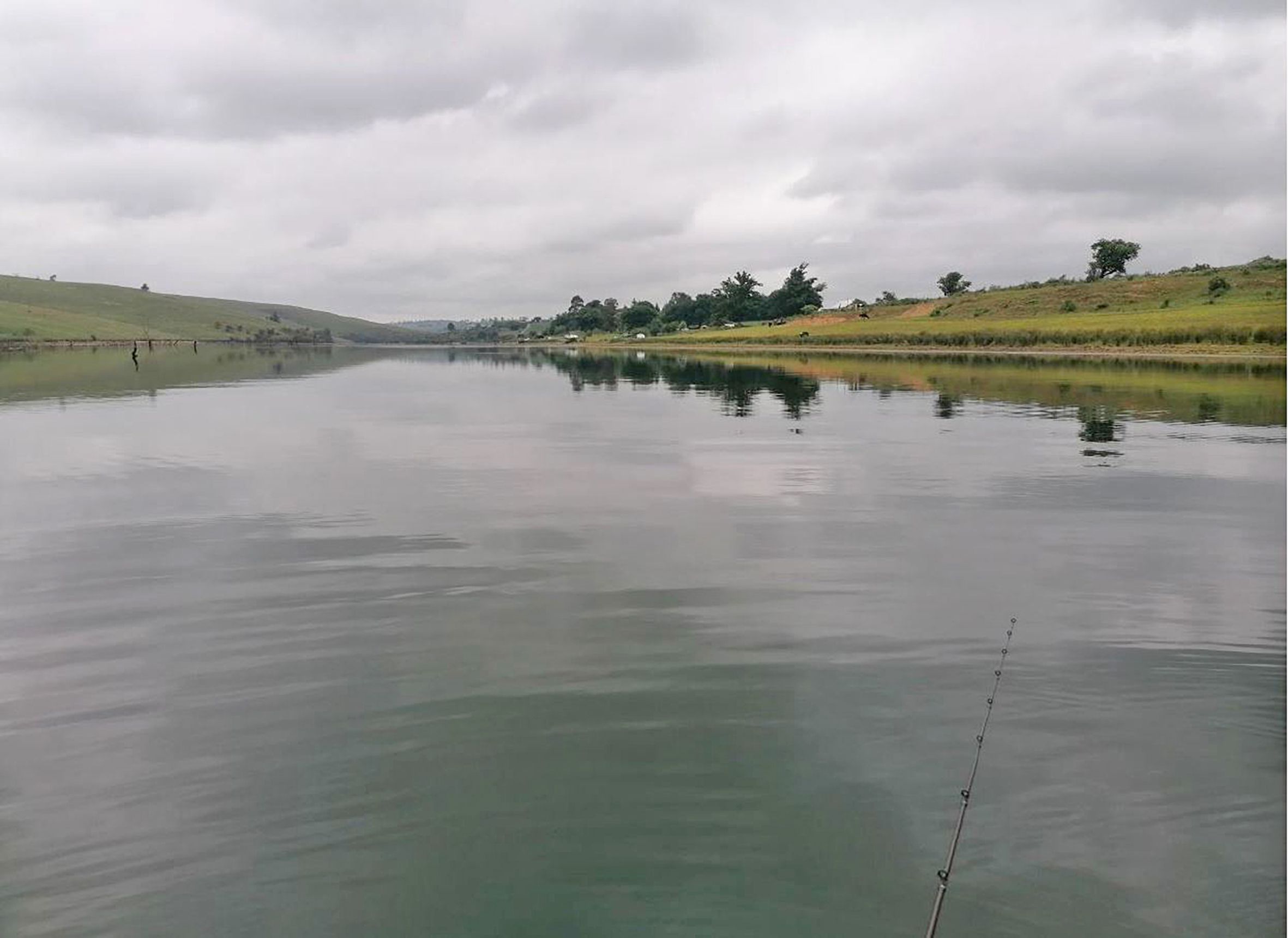
Beyond its practical significance, Theewaterskloof Dam is also a popular recreational destination, offering opportunities for fishing, boating, and hiking. The dam's scenic surroundings, nestled amidst the picturesque mountains of the Western Cape, provide a tranquil escape for nature enthusiasts.
What you get
- Kwaggaskloof Dam.zip 203.4 MB
- Install steps in the email with your download link
- Help by email or WhatsApp if the map won't load
Getting the Kwaggaskloof Dam map onto your Lowrance
- 1 Download Open the download link in your email and save the map file to your computer.
- 2 Copy to the card Copy the map file onto a microSD card. If the download is a zip file, extract it onto the card instead.
- 3 Insert Put the microSD card into your Lowrance with the unit switched off, then switch it on.
- 4 Choose the map Choose the Mapster map from the chart menu. Menu names vary between models.
If you ordered the SD card, start at step 3. There's more detail in the FAQ.